 TagRef
Browser extension
Alt + click an image and it’s in TagRef. Save every image on a page, page screenshots and bookmarks.
Free · Windows and macOS
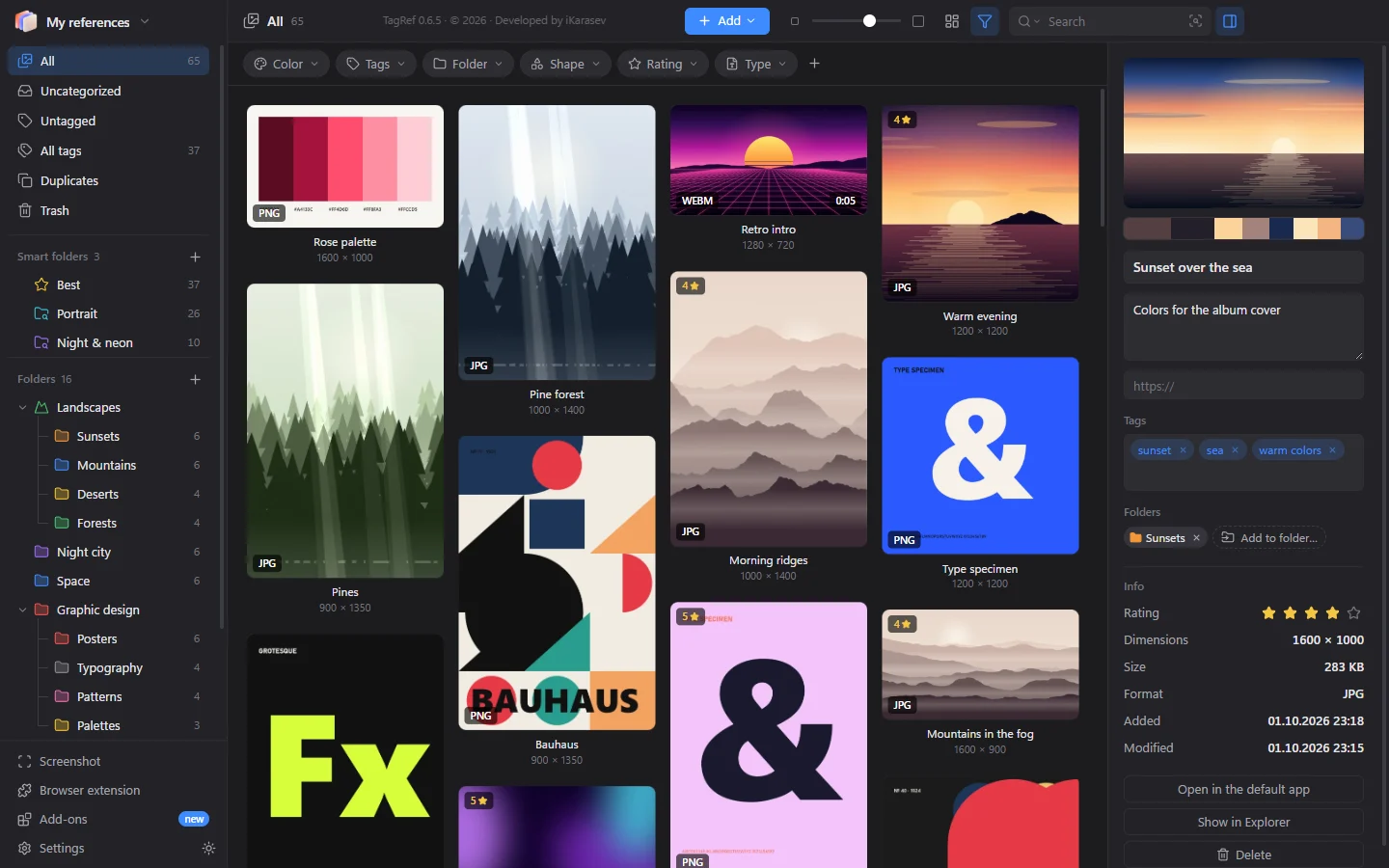
TagRef keeps your images, videos, music and fonts and finds what you need instantly: by color, by tags or just by describing it in words. The AI runs right on your computer.
Smart search

Type “sunset over the ocean” or “neon portrait” and TagRef shows matching images, even with no tags or meaningful names. The AI understands English, Russian and about 50 more languages. It runs on your computer: your images never leave it.
Search by color

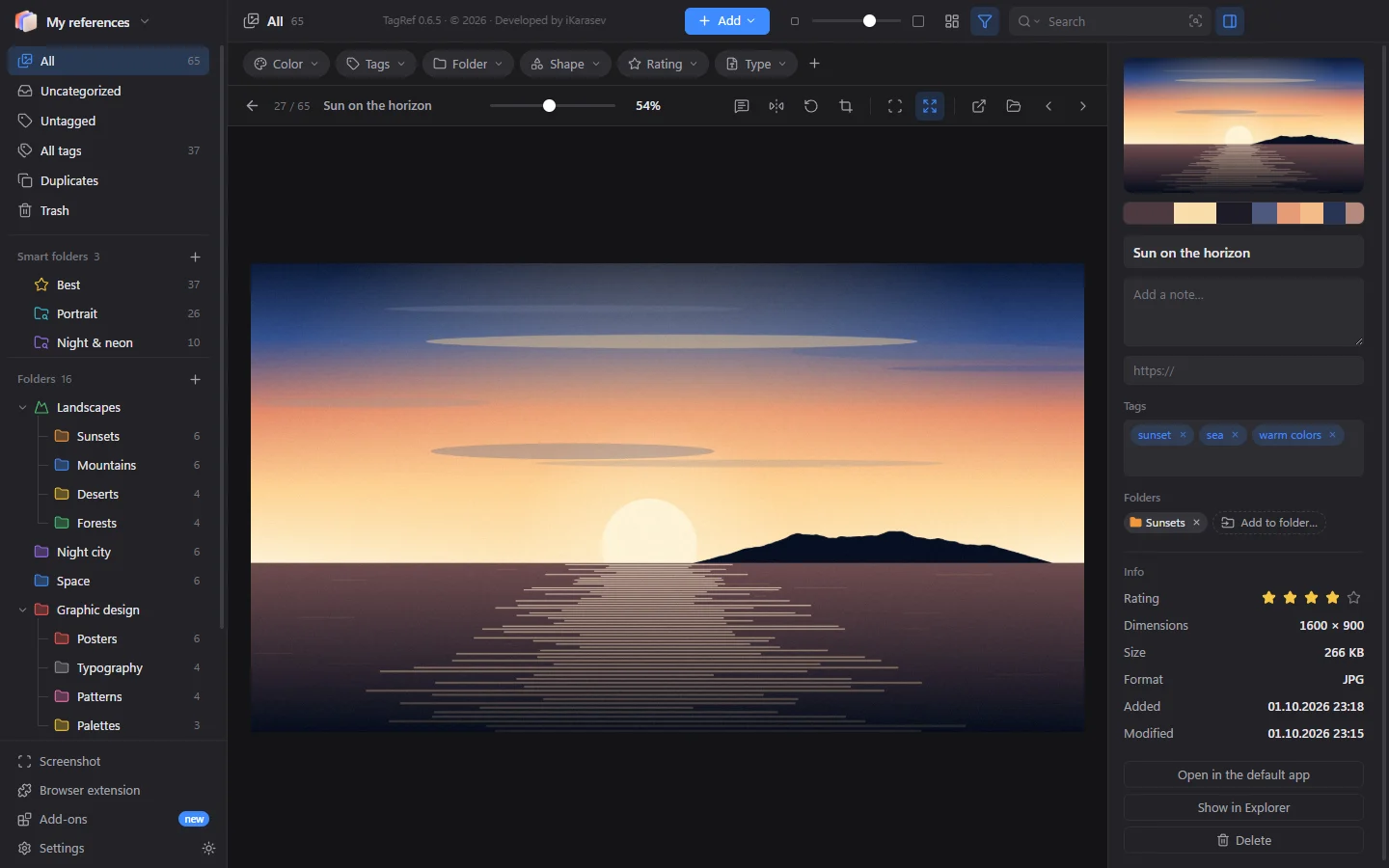
TagRef breaks every image down into a palette. Pick a color and the grid keeps only images that contain it. Adjust the precision with a slider or set any custom color.
Similar images
“Find similar” shows images close in meaning and mood, not in file name. The “Pinterest search” add-on finds similar images right on Pinterest and saves the ones you like to your library in full size.

Collecting references
Images from websites, screenshots, files from your phone — everything lands in your library right away, in the right folder.
Alt + click an image and it’s in TagRef. Save every image on a page, page screenshots and bookmarks.
Ctrl + Alt + A in any app — the area snapshot goes straight to the open folder.
“Share” → the TagRef bot in Telegram, and the image appears on your computer.
Drop files into a cloud folder from any device — TagRef picks them up by itself.
Paste a link to a YouTube or other video — it’s saved with a player.
Files, folders with subfolders, clipboard. And back — from TagRef straight into Photoshop.
Effortless order
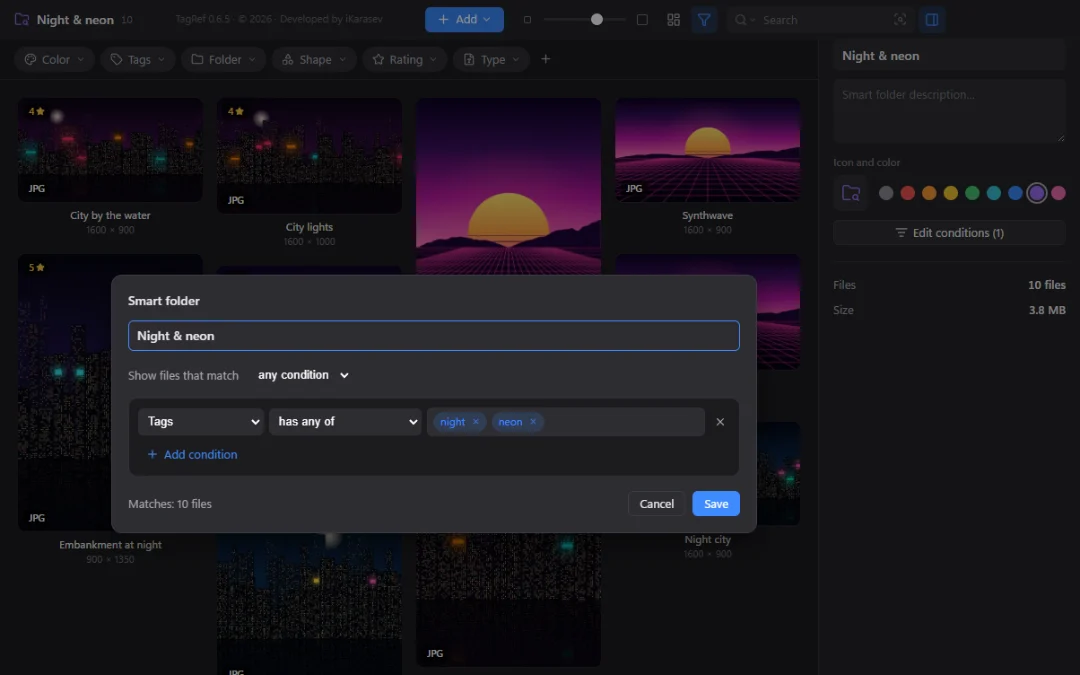
Sort files into folders with colors and icons, add tags, ratings and notes. Smart folders collect files by rules — tags, color, shape, rating, date — and stay up to date on their own. Duplicates are found in one click, even the same image in another size.

Comfortable browsing
Waterfall, rows, even grid or list. Thumbnail size with one slider. Open an image full screen, zoom with the mouse wheel, rotate and crop.
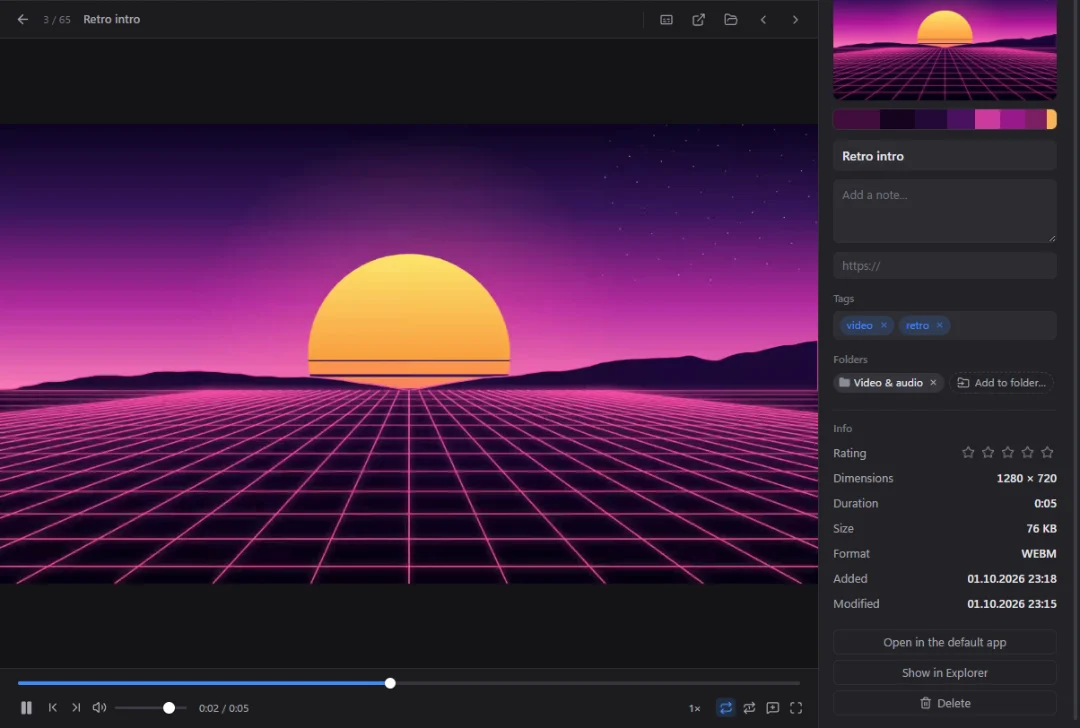
Not just images
Scrub videos by hovering right in the grid, step frame by frame, loop. Music shows its waveform and tempo (BPM). The “Speech to text” add-on turns speech in videos into text you can search.
Opens
Via Syncthing or a cloud drive: changes from another computer appear instantly.
Opens Eagle libraries and packs with all folders and tags, and can save in their format.
Your AI assistant finds things, adds tags and sorts files into folders for you.
Exact copies and the same image in another size. Tags and folders move to the file you keep.
For work, for hobbies, per project — switch in one click.
See every shortcut and change it to suit you.
Hides in the tray: screen capture and browser saving always work.
TagRef tells you about a new version and installs it in a couple of clicks.
Free, no sign-up. No administrator rights needed.
Checking the latest version… · All versions and release notes
The extension ships inside TagRef. Click “Browser extension” at the bottom left for step-by-step instructions for Chrome, Edge and other Chromium browsers.
Detailed PDF guides, step by step with screenshots. They also open from the app: “Settings → Guides”.
Yes. Every feature, including the AI, is free. No ads, no sign-up, no trial period.
In a library — a regular folder on your disk. TagRef copies files there and stores tags, folders and notes next to them in an open format. Nothing is sent to the internet: you can copy the library, keep it on an external drive or in the cloud.
Only to download the app, add-ons and updates, and to save from websites or search Pinterest. Search, filters and the AI work offline.
Yes. In the library menu choose “Import an Eagle library” — files come over with folders, tags and notes. Your Eagle library itself stays unchanged.
The installer doesn’t have a paid digital signature yet, so the system shows its warning for unfamiliar apps. See “How to install” for how to get past it. Supporting the project helps pay for a signature.
No. Only with your permission, once a day the app anonymously reports only a random installation number, the TagRef version, the system and the language — to know how many people use it. No files, names or IP addresses. Turn it off in “Settings → About → Anonymous statistics”.
TagRef checks for updates itself and offers to install the new version. Your libraries and settings are left untouched.
Windows 10 or 11 (64-bit) or macOS. A regular laptop is enough for smart search; its add-ons are optional and take about 230 MB.
TagRef is free and will stay free. If it helps you in your work, you can support its development: new features and a digital signature for the installer.
Support is a voluntary gift to the author. TagRef works fully without it.
Found a bug, have an idea, or just want to say thanks? Write to me — I read every message.